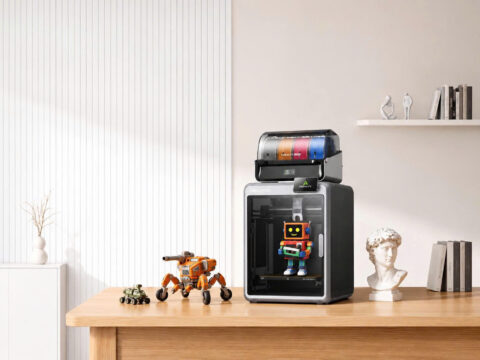



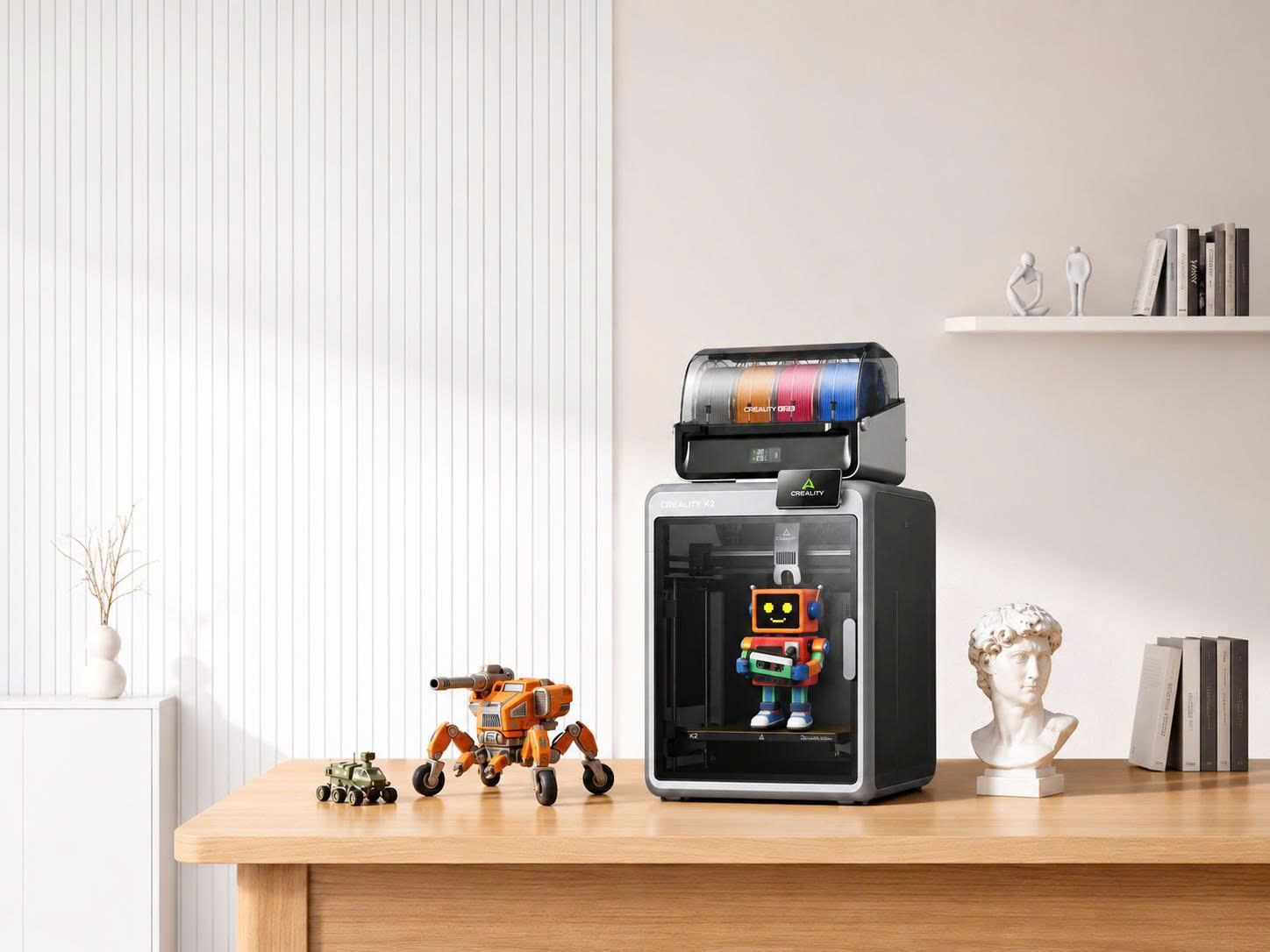
Ever wished you could turn a random idea into a real object? With Creality 3D printers, you can make everything from phone stands to miniature dragons. Unfortunately, printing a dragon does not mean it will guard your house.
If you’re new to 3D printing, the choices can feel overwhelming. Open-frame or enclosed? Single-color or multicolor? And why does everyone keep talking about filament?
This beginner-friendly guide explains four Creality models, essential printing basics, and how to choose a machine without turning your shopping trip into an engineering exam.
What Are Creality 3D Printers?
Creality 3D printers are machines that create physical objects from digital 3D models. Many use fused deposition modeling (FDM), which heats plastic filament and deposits it layer by layer.
Think of it as a very precise glue gun with a computer science degree.
Creality sells printers, 3D scanners, filament, and accessories. Its lineup includes beginner-oriented machines and larger systems for more ambitious projects.
Best Creality 3D Printers for Beginners
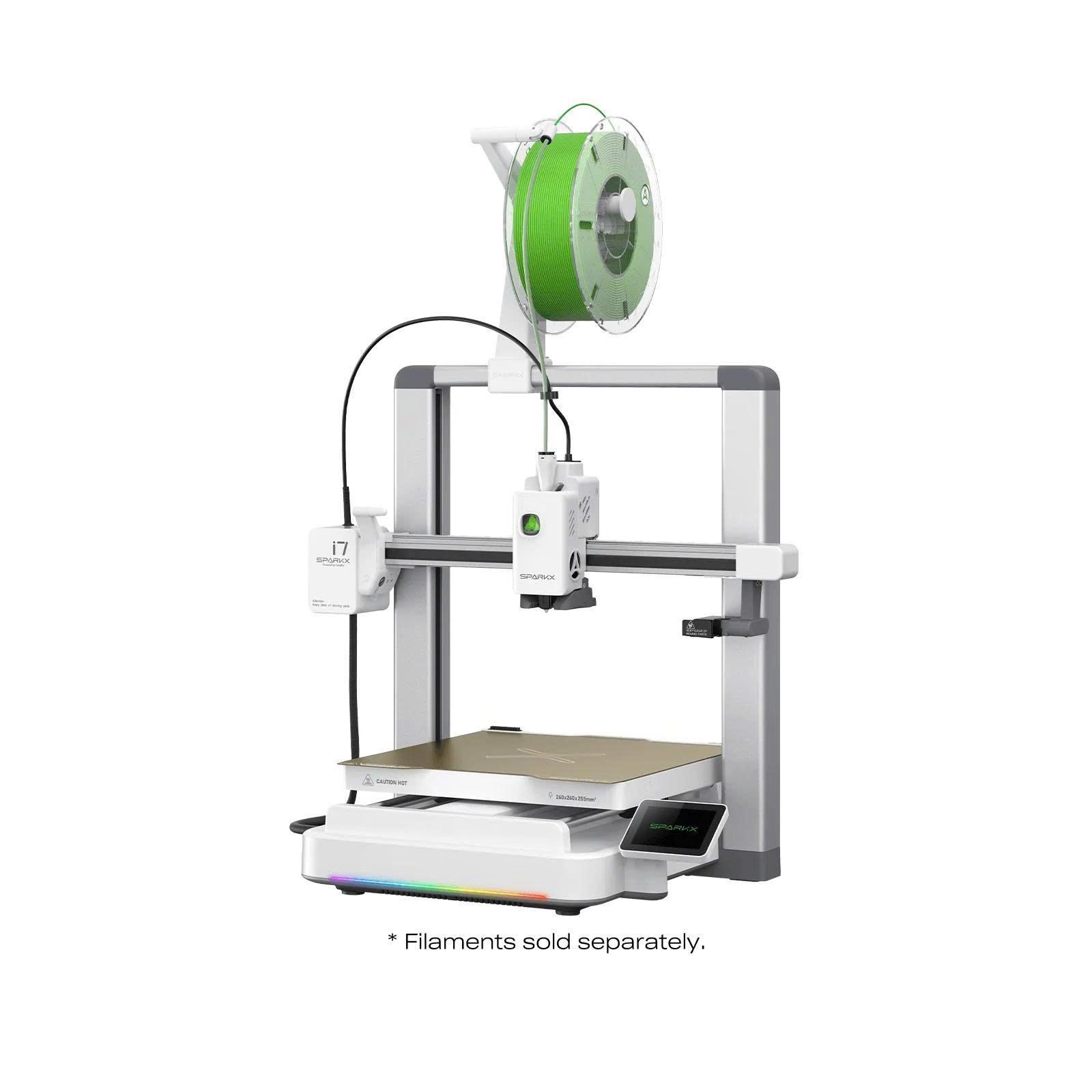
1. Creality SPARKX i7 — For First-Time Makers
The SPARKX i7 is positioned as a beginner-friendly option in Creality’s lineup.
It is worth considering if you want to learn the basics of 3D printing without immediately shopping for a larger flagship machine.
Check the selected package for included accessories and whether multicolor printing equipment is included or sold separately.
Best for: New hobbyists exploring their first projects.
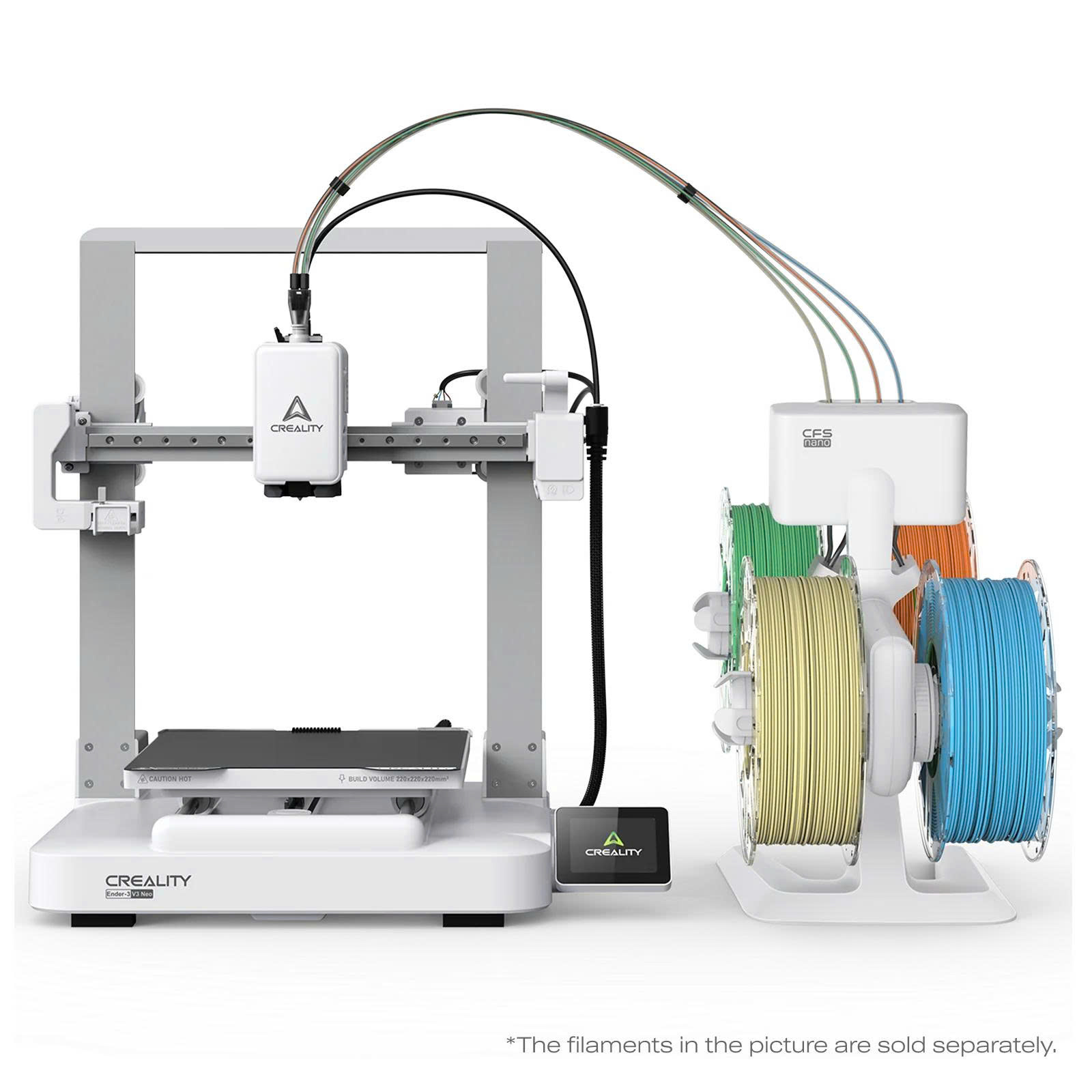
2. Creality Ender-3 V3 Neo — For Learning the Fundamentals
The Ender-3 V3 Neo belongs to Creality’s Ender family, a series associated with accessible desktop 3D printing.
It may appeal to beginners who want to understand printer setup, materials, slicing software, and routine maintenance.
Just remember: a successful first print is exciting. A failed print is usually a lesson disguised as plastic spaghetti.
Best for: Learners who enjoy hands-on experimentation.
3. Creality K2 Pro — For Growing Ambitions
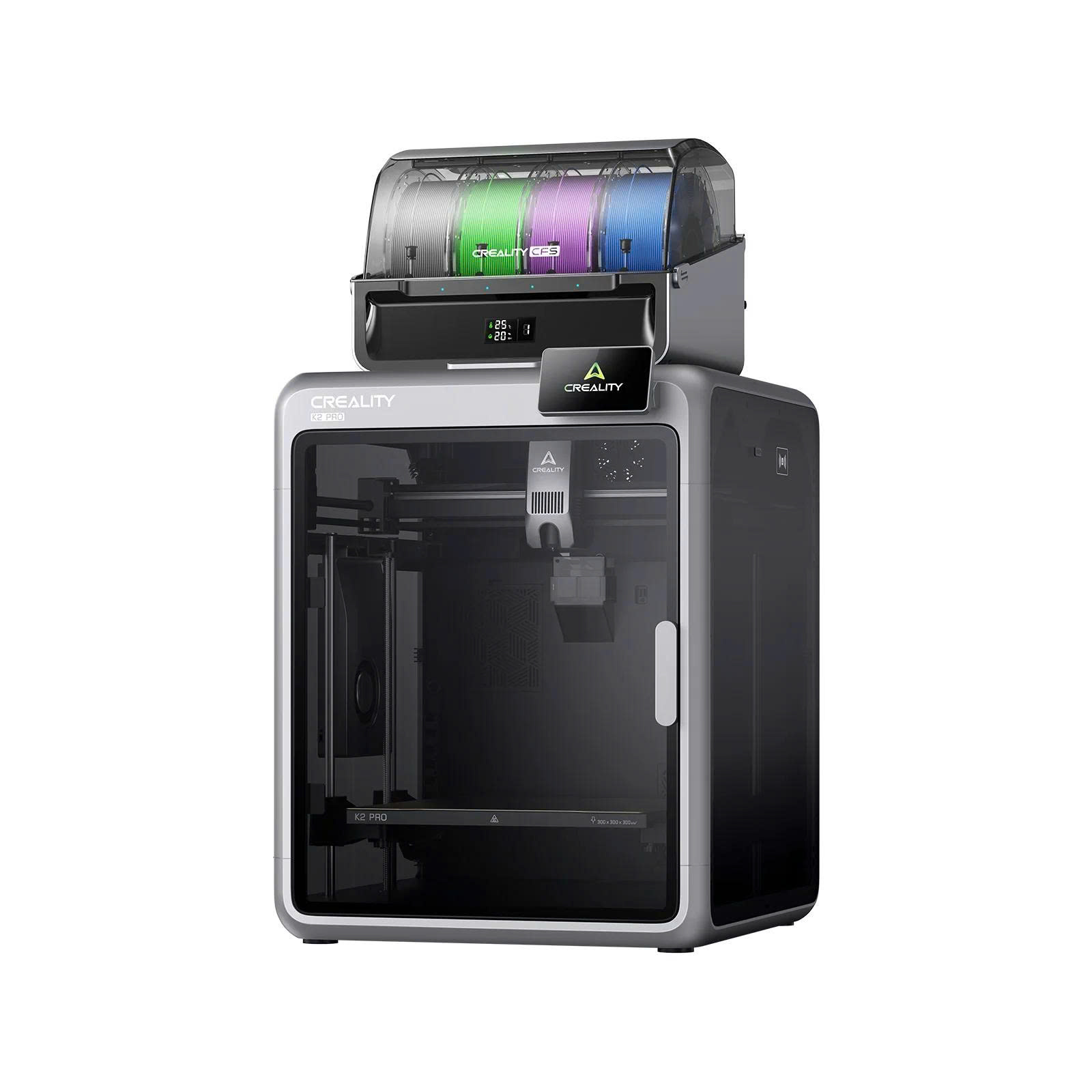
The K2 Pro is a more advanced printer option for users ready to explore a wider range of projects.
Creality offers K2 Pro and K2 Pro Combo configurations. Package differences matter, particularly when comparing multicolor capabilities and included equipment.
A more capable machine can expand your options, but it will not automatically fix a poorly prepared 3D model. Even expensive printers cannot negotiate with bad geometry.
Best for: Enthusiasts planning more demanding prints.
4. Creality K2 Plus Combo — For Bigger Projects
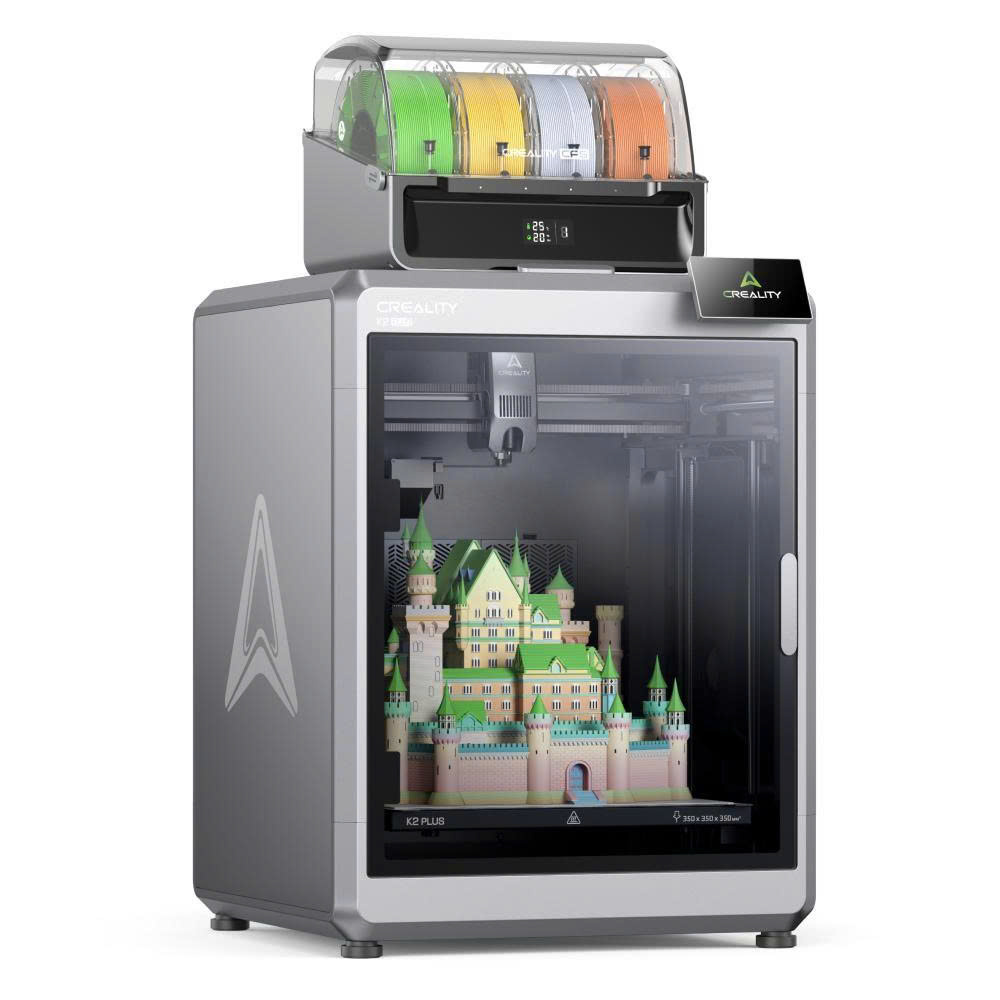
The K2 Plus Combo is a flagship option aimed at users who want a larger, more feature-rich printing setup.
Its Combo configuration includes equipment intended for multicolor printing workflows.
Before buying, consider the printer’s physical footprint, workspace ventilation, material compatibility, and your actual project sizes.
Best for: Makers who expect to print larger objects or explore multicolor projects.
Creality 3D Printer Comparison Table
These are buying recommendations based on product positioning, not hands-on performance rankings.
What Can You Make With a Creality 3D Printer?
Popular projects include cable organizers, phone stands, decorative figures, tabletop game accessories, and replacement parts for suitable noncritical applications.
You can download existing 3D models or design your own.
Start small. Printing a simple desk organizer is a better first challenge than attempting a full-size medieval castle. Your filament budget will appreciate the restraint.
What Beginners Should Know Before Buying
Filament and Software
PLA is a common starting material because it is generally easier to print than many engineering plastics.
You’ll also need slicing software, which converts a digital model into printer instructions.
Safety and Maintenance
Place your printer on a stable surface with appropriate ventilation. Heated components can cause burns, and moving parts require care.
Follow the manufacturer’s material-specific safety guidance. Never assume a printed object is food-safe or suitable for structural use.
Expect occasional cleaning, calibration, and troubleshooting. Even your printer deserves a little maintenance—not just motivational speeches.
For more technology comparisons and shopping advice, explore TopPickSmart.
Frequently Asked Questions About Creality 3D Printers
Are Creality 3D printers good for beginners?
Creality offers beginner-oriented models, including the SPARKX i7. The right choice depends on your budget and willingness to learn setup and maintenance.
Do I need to know 3D modeling?
No. You can begin with downloadable models and learn design software later.
What filament should beginners use?
PLA is often a practical starting point, provided it is compatible with your printer.
Can Creality printers print multiple colors?
Selected models and Combo configurations support multicolor workflows. Verify the included hardware before purchasing.
Final Verdict: Should You Buy a Creality 3D Printer?
Creality 3D printers offer options for curious beginners and experienced makers alike.
Consider the SPARKX i7 for a beginner-focused setup, Ender-3 V3 Neo for hands-on learning, K2 Pro for more advanced projects, or K2 Plus Combo for larger and multicolor printing ambitions.
Choose according to your projects, available space, and budget—not just the printer with the most impressive name.
Explore Creality 3D printers: https://store.creality.com/
Your first print might be a simple keychain. Your twentieth might be a dragon. Either way, welcome to the wonderful world of making things one layer at a time.